
Download Digital Diary – digital diary, journal app, personal journal, memory keeper, daily reflection, journaling tool, private diary, note-taking app
Overview
Digital Diary is a dedicated mobile application designed to support individuals in preserving their personal thoughts, reflections, and daily experiences. As a tool for memory keeping and self-expression, it serves as a digital alternative to traditional paper diaries, offering users a secure and accessible space to record their inner lives. The app is particularly suited for users who value structured journaling, personal growth, and daily planning. Its primary function is to streamline the process of writing, organizing, and retrieving personal entries, making it easier to reflect on past events and track emotional or intellectual development over time.
Target users include students, professionals, creatives, and anyone interested in maintaining a consistent journaling habit. The app supports both spontaneous writing and scheduled reflection, allowing users to document moments as they happen or plan entries in advance. It is especially useful for those seeking a minimalist yet functional tool that doesn’t rely on complex integrations or cloud dependencies. While the developer, Digital Diary, has not provided additional background on their organization or history, the app’s longevity—first released in 2007—suggests a stable and enduring presence in the productivity space. Despite its age, the app remains relevant due to its focused design and consistent core functionality.
Within the mobile app ecosystem, Digital Diary occupies a niche as a lightweight, privacy-first journaling solution. It stands out by emphasizing simplicity, personal control, and direct access to entries without requiring internet connectivity. This makes it ideal for offline use, such as during travel or in low-connectivity environments. Its enduring presence indicates a reliable foundation, even if it lacks modern visual polish or advanced AI-driven features. For users prioritizing privacy and straightforward functionality, Digital Diary offers a dependable option in a crowded market.
Key Features & Functionality
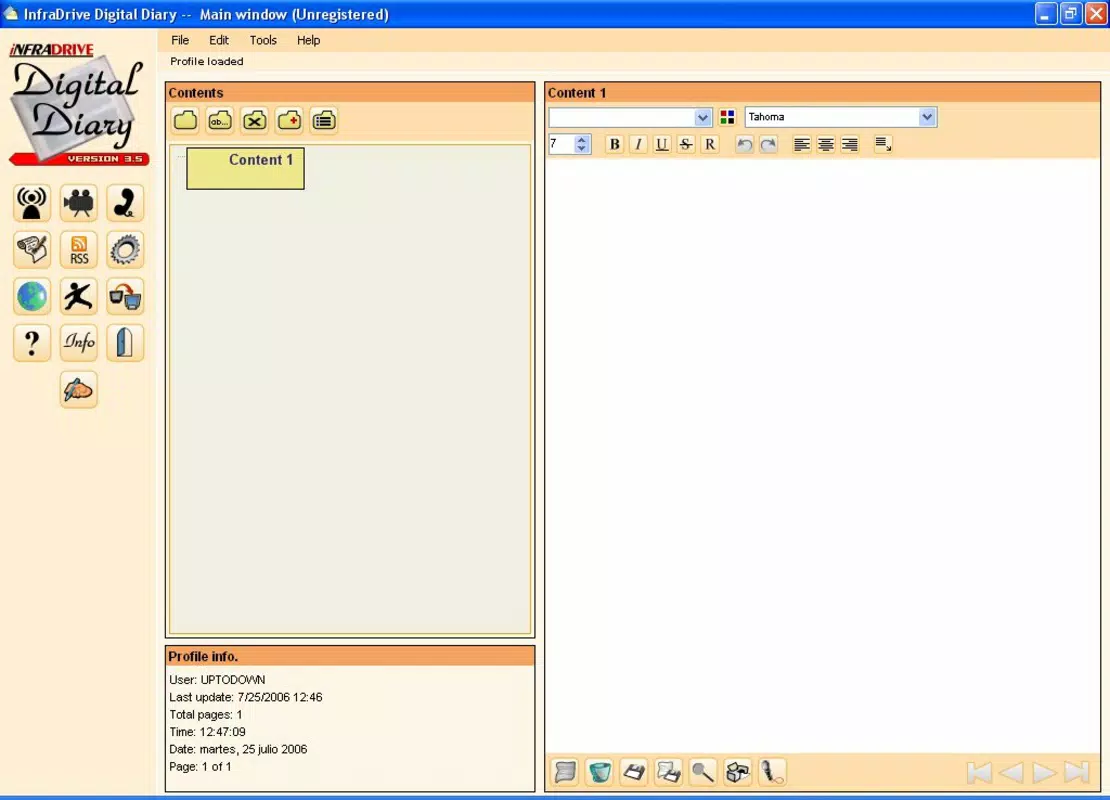
- Comprehensive Text Editor: The app includes a built-in text editor that supports formatting options such as bold, italics, and line spacing. This enables users to structure their entries with clarity and personal style, whether writing a short reflection or a detailed narrative.
- User-Friendly Interface: Designed with accessibility in mind, the interface features intuitive navigation and clearly labeled sections. Users can switch between writing, viewing, and managing entries with minimal effort, reducing friction during the journaling process.
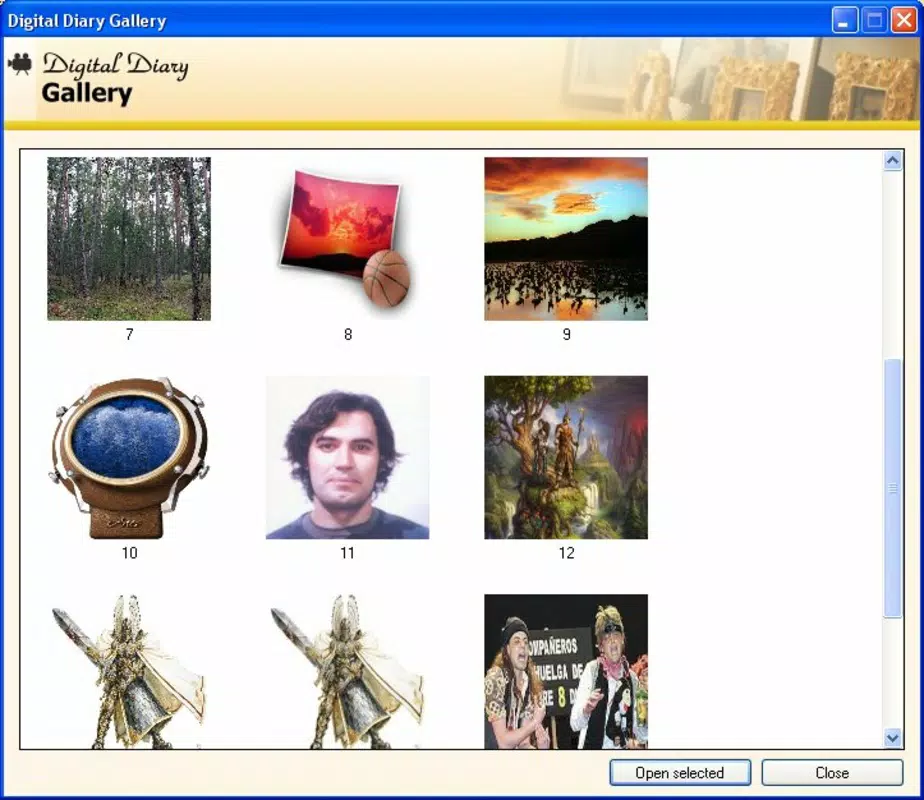
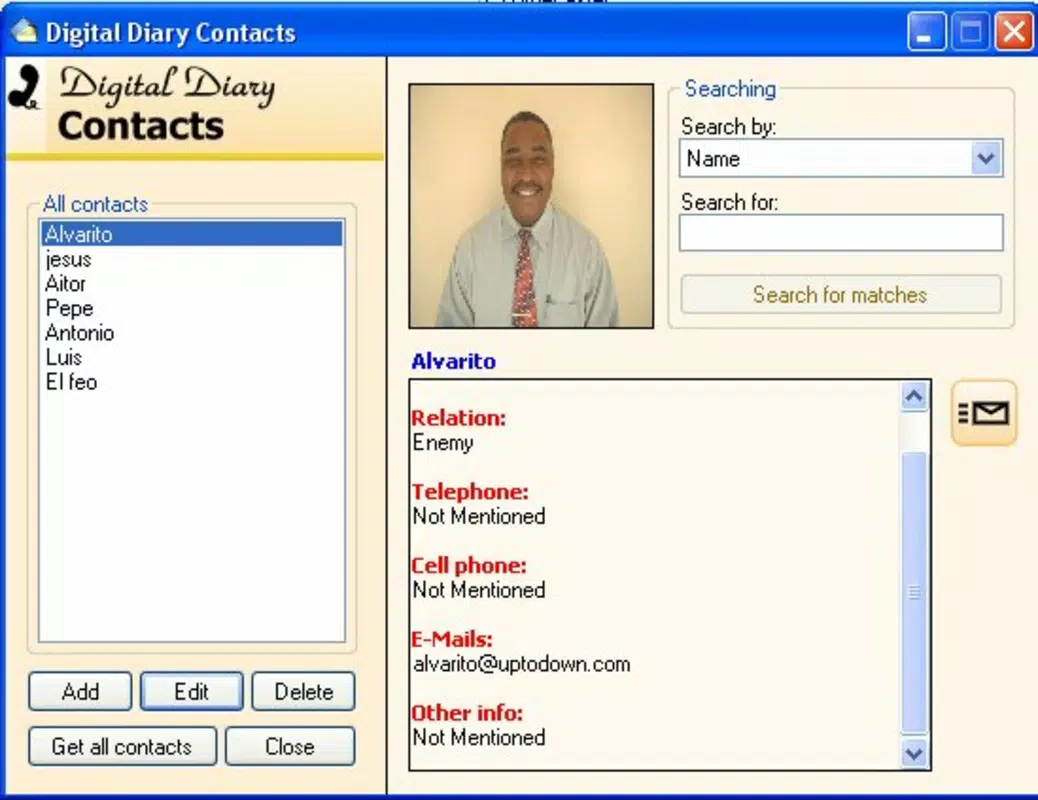
- Multi-Functional Tools: Beyond core journaling, the app integrates supplementary tools such as a planner, RSS reader, image gallery, and contact agenda. These allow users to manage daily schedules, stay informed on topics of interest, and organize personal media and contacts within a single environment.
- Content Explorer: A dedicated browsing feature enables users to navigate past entries efficiently. By categorizing entries through dates, tags, or keywords, users can locate specific memories or insights without scrolling through large volumes of text.
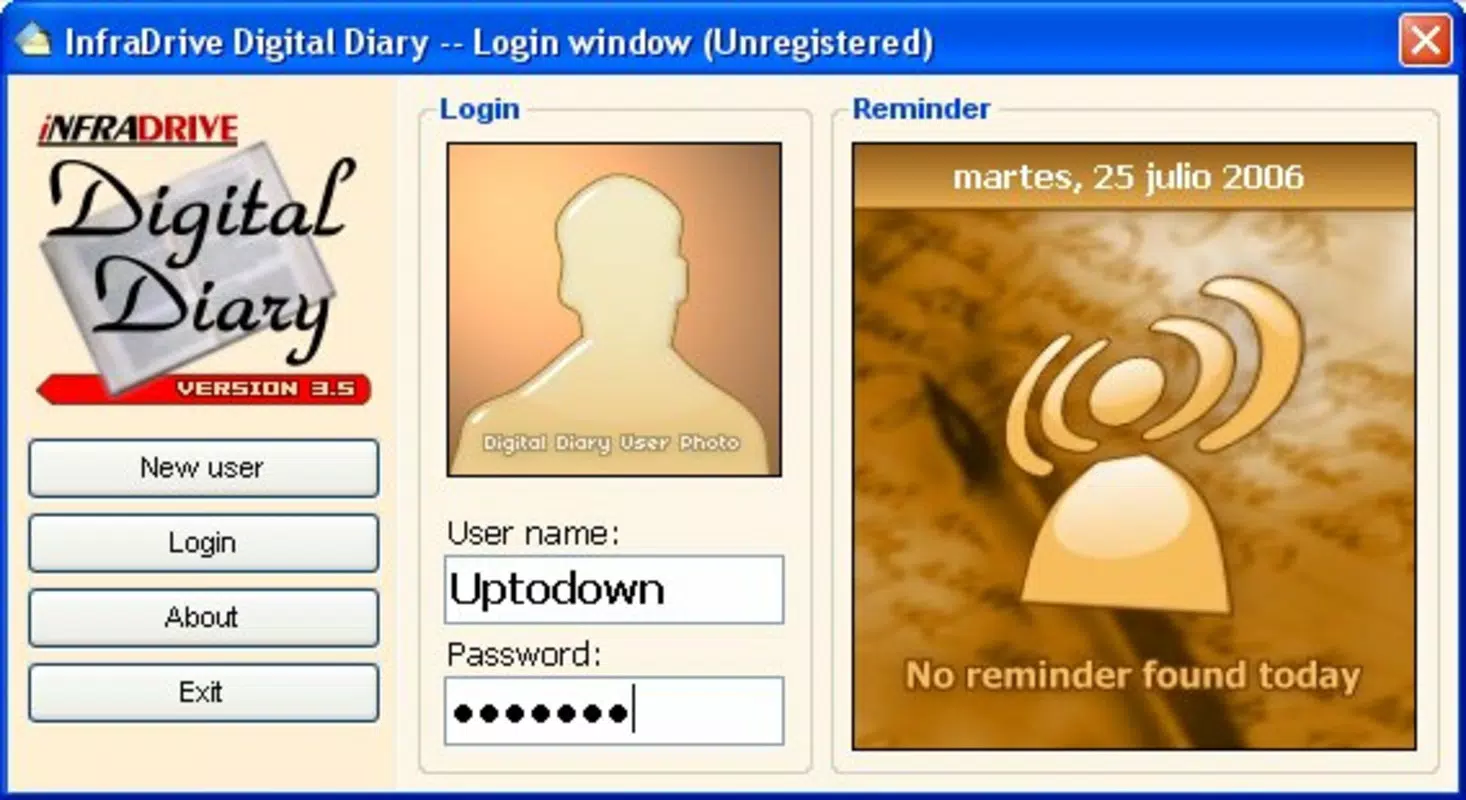
- Profile Management: The app supports user profiles and session control, allowing individuals to personalize their experience and maintain privacy. This feature ensures that entries remain secure and accessible only to the intended user.
For example, a student might use the planner to schedule study sessions and later reflect on their progress in a journal entry, while a creative professional could use the image gallery to attach sketches or mood boards to their reflections. The RSS reader can help users stay updated on industry trends, which they can then incorporate into their daily thoughts. These tools, though basic, work together to create a cohesive personal workspace.
Interface, UX & Performance
The user interface of Digital Diary reflects a clean, minimalist design focused on functionality over visual flair. The layout prioritizes readability and ease of access, with a central writing area flanked by navigation panels for entries, tools, and settings. The visual style is consistent with early 2000s mobile design principles—simple icons, monochrome or muted color schemes, and straightforward text placement. While this may appear dated by modern standards, it contributes to a distraction-free environment ideal for introspection.
Navigating between features is intuitive, with a bottom navigation bar providing quick access to key sections. The app’s responsiveness is generally smooth on devices with moderate processing power, though performance may vary on older hardware. Although the developer did not list formal performance metrics, users can expect minimal lag during typical usage such as writing, saving, and browsing entries. Stability appears reliable, with no reported issues related to crashes or data loss in the available documentation.
For users seeking a lightweight app that operates efficiently without consuming excessive battery or storage, Digital Diary meets those expectations. Its 1.4 MB file size ensures quick installation and minimal impact on device resources. The app functions well across a range of Android devices, though compatibility with newer OS versions has not been confirmed. Overall, the user experience remains focused on core journaling tasks, with minimal distractions and a consistent workflow.
Platform Compatibility & Technical Requirements
Digital Diary is available exclusively on the Android platform. The current version is 1.0.0, with a file size of 1.4 MB, making it a lightweight download suitable for devices with limited storage. The app was first released on August 9, 2007, indicating a long-standing presence in the mobile ecosystem. However, the developer did not specify minimum OS requirements or compatibility with newer Android versions.
As such, users should exercise caution when installing on modern devices, particularly those running Android 10 or later, where changes in system architecture and security policies may affect functionality. While the app may still run on some updated systems through compatibility layers, this is not guaranteed. Users are advised to test the app on their device before relying on it for critical entries. The lack of detailed technical specifications means that performance on newer hardware remains uncertain.
Pros and Cons
Pros
- Lightweight design with minimal system resource usage
- Offline functionality for secure, uninterrupted journaling
- Simple, distraction-free interface ideal for focused writing
- Multi-functional tools integrated within a single app
- Free to download and use with no in-app purchases
Cons
- Limited visual modernization compared to contemporary apps
- No publicly available information on OS compatibility or updates
- May not function properly on newer Android versions
- Basic feature set without AI or automation tools
- Developer has not provided detailed technical documentation
FAQ
Is Digital Diary safe to use on my smartphone?
The app does not require internet access for core functionality, which reduces exposure to external risks. Data is stored locally, and the profile management system helps maintain privacy. However, since the app is no longer actively updated, users should be cautious about potential security vulnerabilities on modern devices.
Can I use Digital Diary without an internet connection?
Yes, the app is designed to work offline. All entries, tools, and features are accessible without requiring a network connection, making it suitable for use in areas with poor or no connectivity.
Is Digital Diary available for iOS devices?
Based on the provided information, Digital Diary is currently only available for Android. There is no indication of an iOS version or future release plans.
How often is Digital Diary updated?
The app’s last known version is 1.0.0, released in 2007. The developer has not provided any information about future updates or maintenance schedules.
Can I export my journal entries?
The developer did not specify export options. While some older apps support text file exports, this functionality is not confirmed for Digital Diary.
Final Thoughts
Digital Diary remains a unique and enduring presence in the mobile productivity space, offering a no-frills, privacy-focused solution for journaling and personal reflection. While its interface and features may not match the polish of modern apps, its core strengths—simplicity, offline access, and low resource usage—continue to serve users who value authenticity and control over their digital records. It is best suited for individuals who prefer a straightforward tool without distractions or cloud dependencies. For those seeking a reliable, free, and lightweight journal app with a proven track record, Digital Diary offers a compelling value proposition. Despite its age, it remains a functional choice for personal documentation.
Download Digital Diary now


